Digital Product Calculator — Digital Product Launch Toolkit By Divergent Output Studio
Stop guessing what to charge. Start pricing with confidence.
You spent time creating your digital product. Now comes the part that trips up almost every creator — figuring out what to actually charge for it. Too low and you leave money on the table. Too high and you second-guess yourself into never launching. Most people just pick a number and hope for the best.
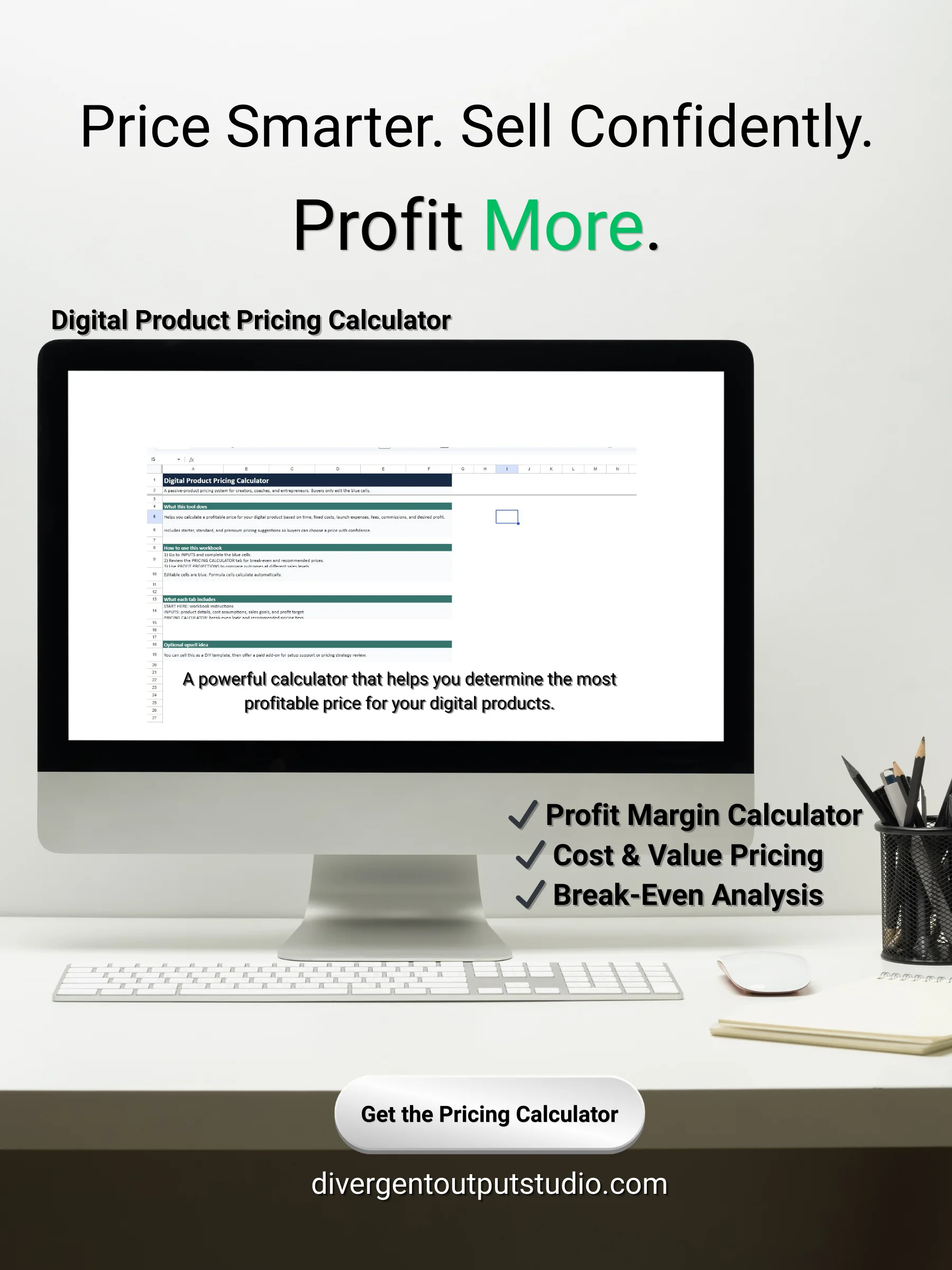
The Digital Product Pricing Calculator takes the guesswork out of pricing completely. This done-for-you Google Sheets tool walks you through your real costs, your profit goals, and your sales targets — then tells you exactly what to charge. No formulas to build. No math to figure out. Just clear, confident pricing backed by actual numbers.
What's Inside
Inputs Tab Enter your product details, creation costs, marketing expenses, and sales goals in one place. The calculator does everything else automatically from there.
Pricing Calculator Tab: See your recommended pricing the moment you finish entering your inputs. Includes your break-even price, your profit-target price, and three suggested pricing tiers — Starter, Standard, and Premium — so you can structure your offer strategically.
Profit Projections Tab: See exactly how much you could earn at 10, 25, 50, 100, 250, and 500 sales. Understanding the financial potential of your product before you launch changes how you market it.
Dashboard Tab: Your pricing command center. Get a clean summary of your total product cost, the revenue needed to hit your goal, and your recommended price — all in one view.
This Calculator Is For You If:
- You've launched a product before and weren't sure if you priced it right
- You're getting ready to launch and want a number you can actually stand behind
- You keep underpricing because you're afraid no one will buy at a higher price
- You want to offer multiple pricing tiers but don't know where to set them
How It Works
- Click your access link — Google Sheets will automatically prompt you to save your copy to Google Drive
- Enter your product information and creation costs in the Inputs tab
- Add your marketing expenses and sales goals
- Set your desired profit target
- Review your recommended pricing, tiers, and profit projections instantly
What You'll Receive
- Digital Product Pricing Calculator (Google Sheets)
- Step-by-step User Guide (PDF)
- Instant access link delivered after purchase — click to save your copy automatically to Google Drive and start pricing today
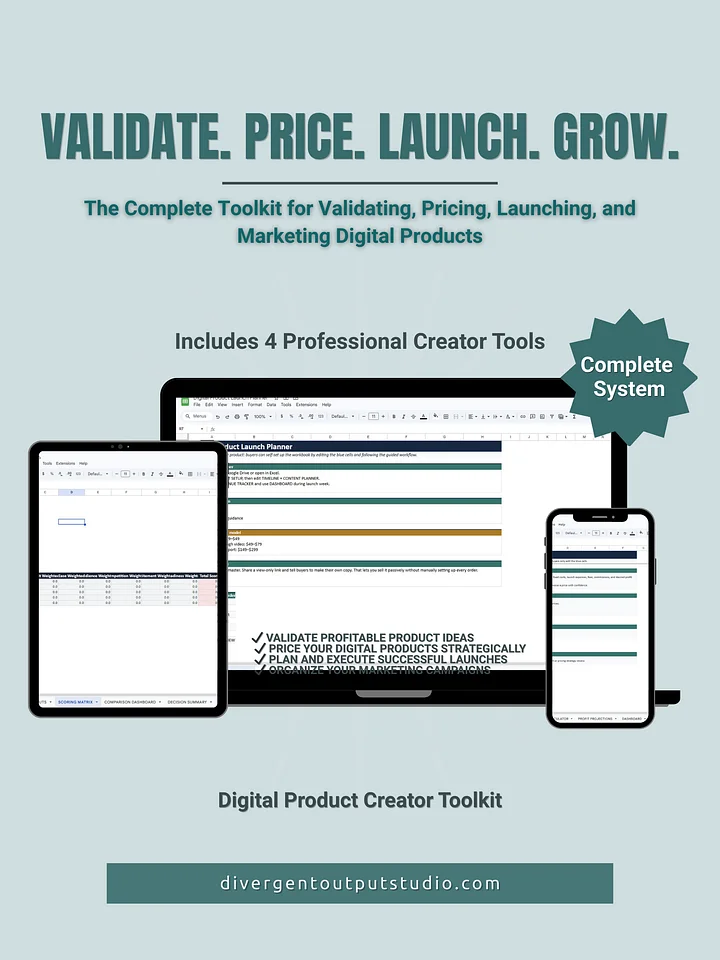
Also available as part of the complete Digital Product Launch Toolkit — bundle all four planners and save.