Marketing & Content Planner — Digital Product Launch Toolkit By Divergent Output Studio
Stop winging your launches. Start running them like a pro.
You have a product ready to sell. But without a system to manage your content, your emails, and your promotional timeline, launch week turns into last-minute chaos — and sales suffer for it.
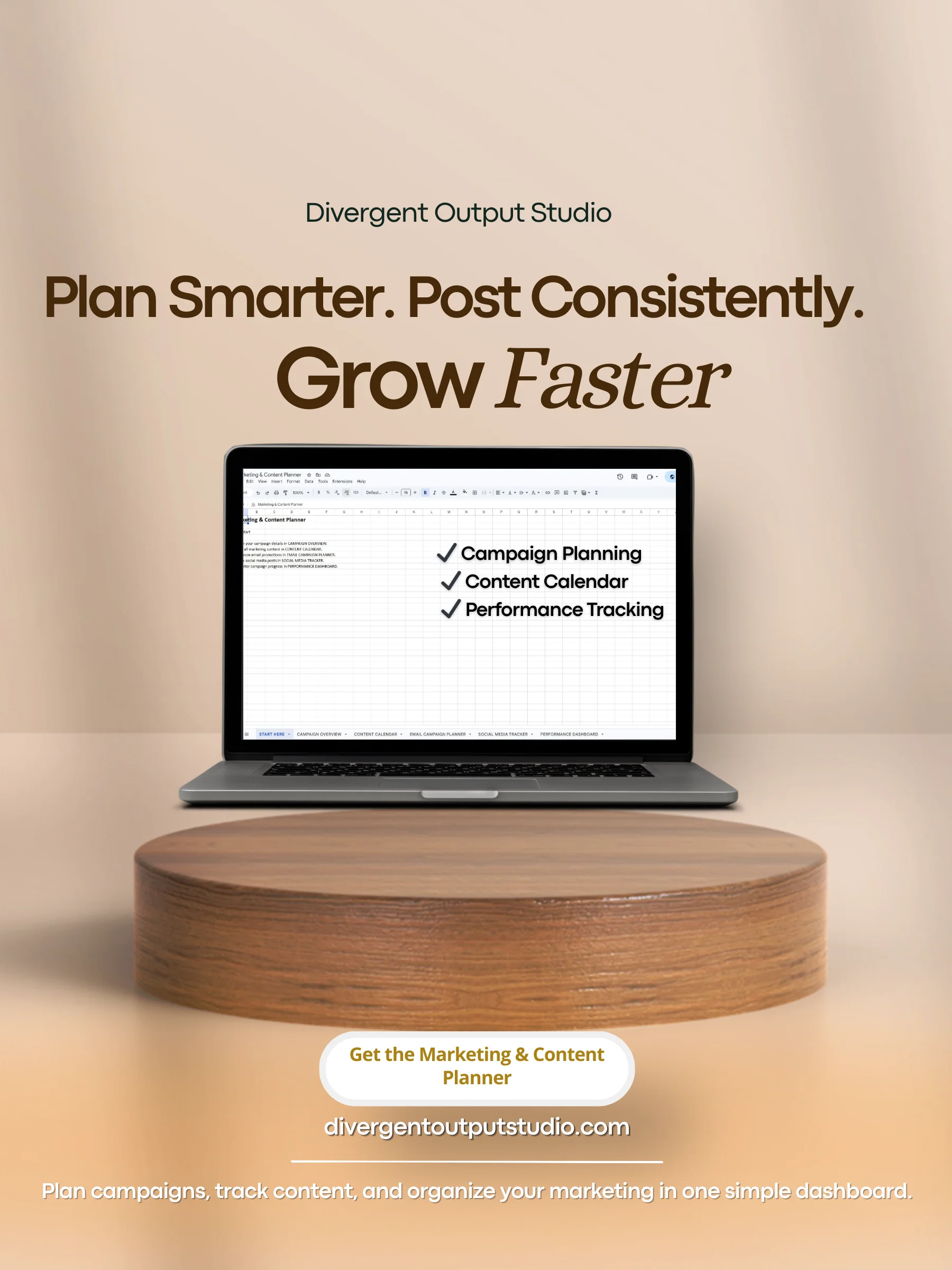
The Marketing & Content Planner is a done-for-you Google Sheets dashboard that gives you a complete marketing command center for your next digital product launch. Everything lives in one place: your campaign strategy, your content calendar, your email sequence, your social media schedule, and your performance tracking — all connected, all organized, all ready to go.
What's Inside
Campaign Overview Tab Define your campaign from the start. Enter your product name, target audience, campaign dates, core message, and call to action so every piece of content you create stays focused and aligned.
Content Calendar Tab Plan every piece of promotional content across every platform — posts, reels, stories, videos, blog content, and more. Track publish dates, content types, key messages, and status all in one view.
Email Campaign Planner Tab Map out your full email sequence from announcement to cart close. Track subject lines, send dates, audience segments, and campaign links for every email in your launch.
Social Media Tracker Tab Manage all social media content tied to your campaign. Track platforms, content types, posting dates, status, and engagement notes so nothing falls through the cracks.
Performance Dashboard Tab See your campaign progress at a glance. The dashboard automatically calculates how much content you've published, how many emails have gone out, and your overall campaign completion rate — no formulas needed.
This Planner Is For You If:
- You've launched before and felt disorganized the entire time
- You're juggling multiple platforms and losing track of what's posted where
- You want to plan your content calendar weeks in advance instead of the night before
- You're tired of keeping your launch strategy in your head or scattered across sticky notes and random docs
How It Works
- Click your access link — Google Sheets will automatically prompt you to save your copy to Google Drive
- Fill in your campaign details in the Campaign Overview tab
- Plan your content calendar and email sequence
- Execute your launch using the Social Media Tracker
- Monitor your progress daily through the Performance Dashboard
What You'll Receive
- Digital Product Marketing & Content Planner (Google Sheets)
- Step-by-step User Guide (PDF)
- Instant access link delivered after purchase — click to save your copy automatically to Google Drive and start planning today
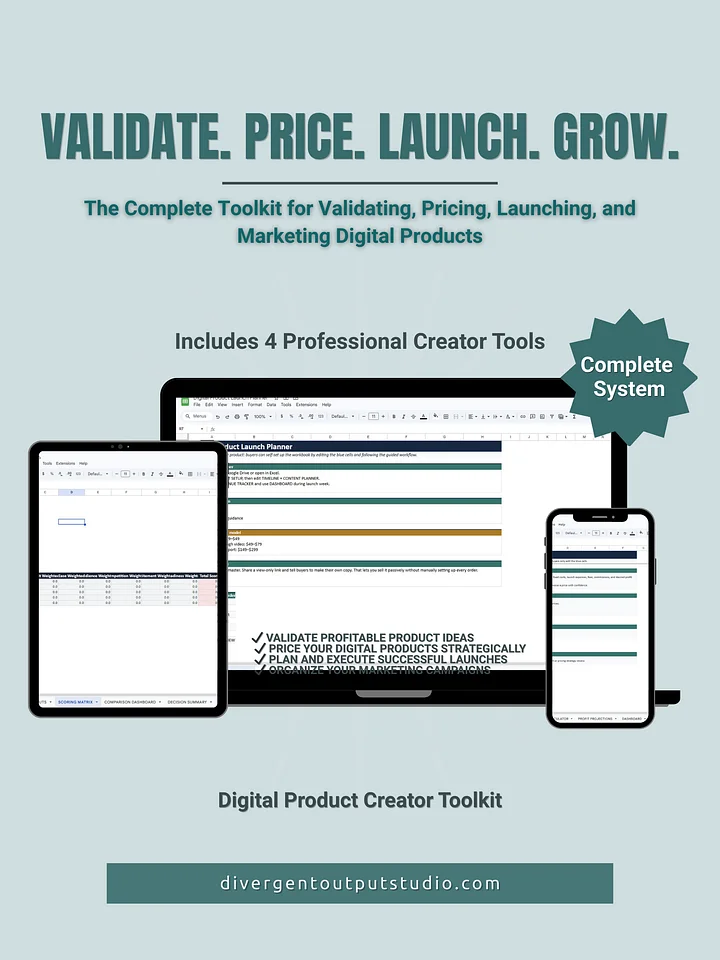
Also available as part of the complete Digital Product Launch Toolkit — bundle all four planners and save.
Please note: This is a digital Google Sheets file — not a physical product. Your view-only link will be delivered instantly after purchase.